
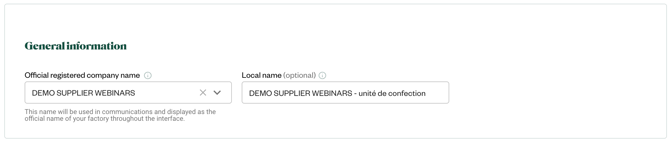
1. GENERAL INFORMATION* (mandatory)
Please verify that your official company name is accurate, and change it if needed. It must be written in english.
If you wish, you can add a local name in your own language to help other suppliers identify your company more easily.
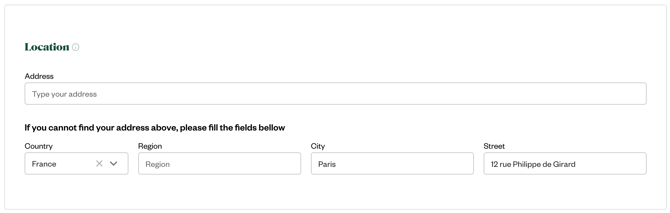
2. LOCATION* (mandatory)
Please verify that your company address is correct, and change it if needed. It must be written in english.
- If your are a trader/agent: enter your company address
- If you are a factory: preferably enter your production facility address
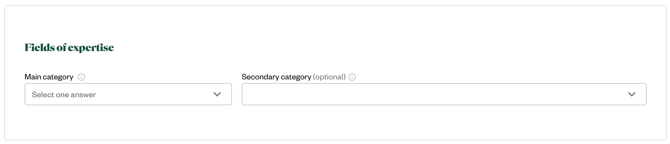
3. FIELDS OF EXPERTISE* (mandatory)
- If your are a trader/agent: please select "Agent/Buying Office/Trading" as main category.
- If you are a factory: please indicate the main production category of this production unit. You can add secondary categories is you carry out several processes in-house.
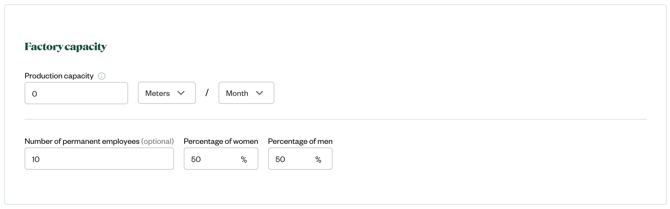
4. FACTORY CAPACITY* (mandatory for factories)
- If your are a trader/agent: you can skip this question.
- If you are a factory: please indicate the production capacity and number of employees of this facility.
5. PERFORMANCES* (mandatory for factories)
- If your are a trader/agent: you can skip this question.
- If you are a factory: please indicate the required information regarding energy sources and consumption.
If you don't know the heat source: please select "Unknown / National Mix".
If you don't know the electricity source: please select "Purchased Grid Electricity"
6. FACTORY CERTIFICATIONS AND AUDIT REPORTS* (optional)
Whether you're an agent or a production plant, you can attach your up-to-date scope certificates and audits report in this section.
Documents must be valid and in your company's name only. Please do not attach supplier certifications from your own account.
You can also manage your certifications and audits report from My Documents tab.